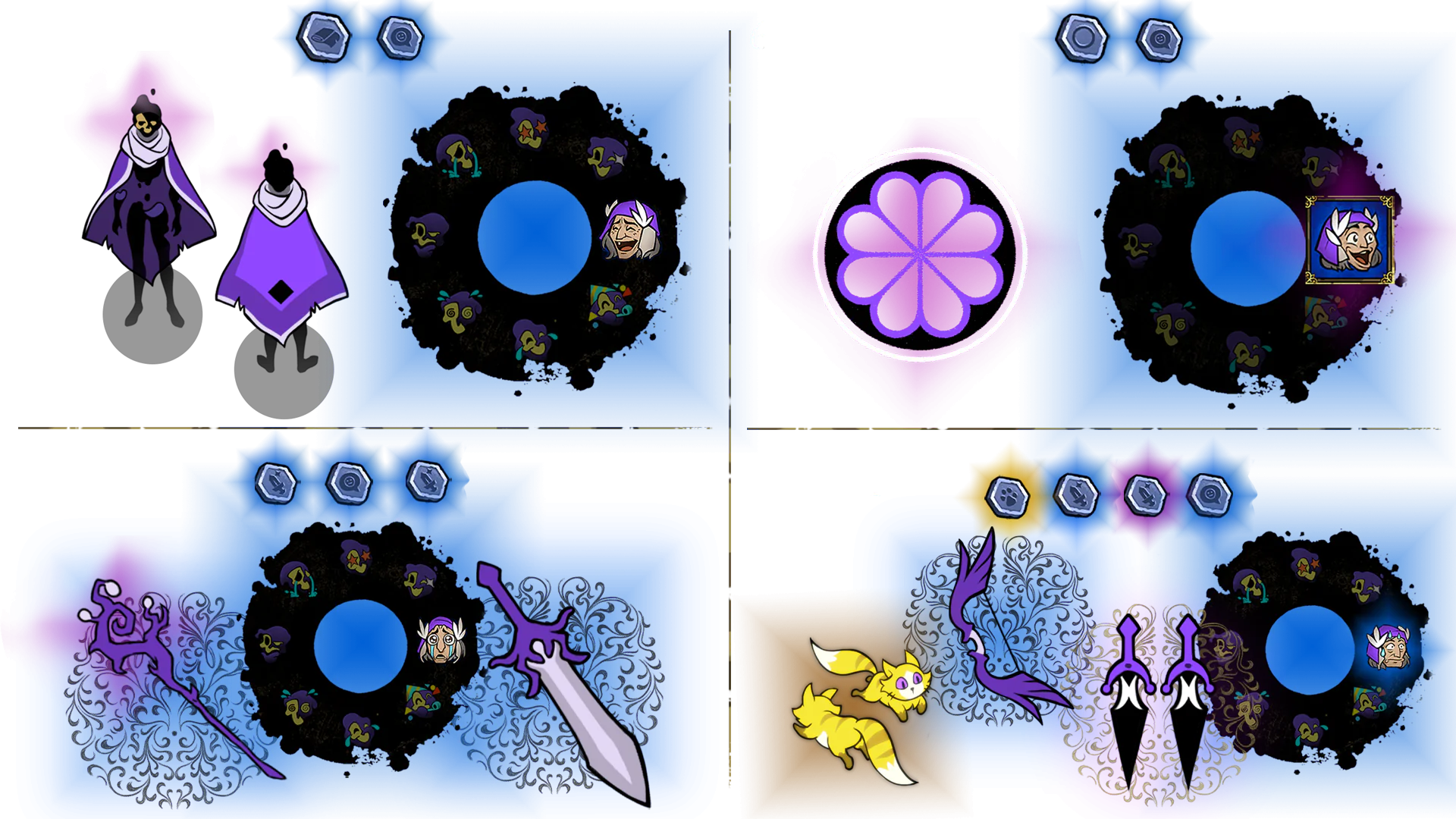
Link your Twitch account to your 33 Immortals Account
To connect your Twitch account to 33 Immortals to begin collecting unique cosmetics, please follow the following steps:
- Launch 33 Immortals.
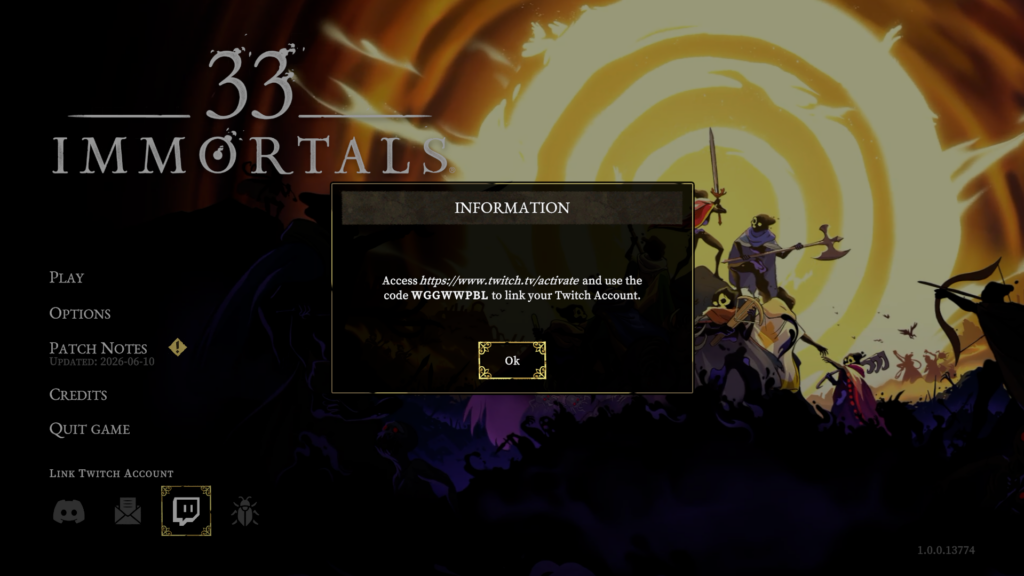
- On the main menu, click Link Twitch Account (not available in the Demo).
- Copy the code generated for you there:
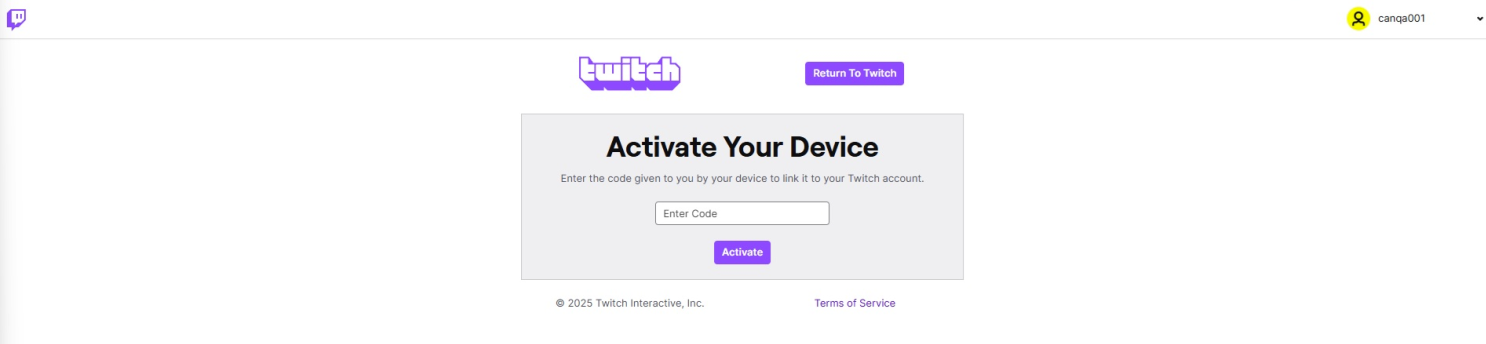
- Paste the code from 33 Immortals.
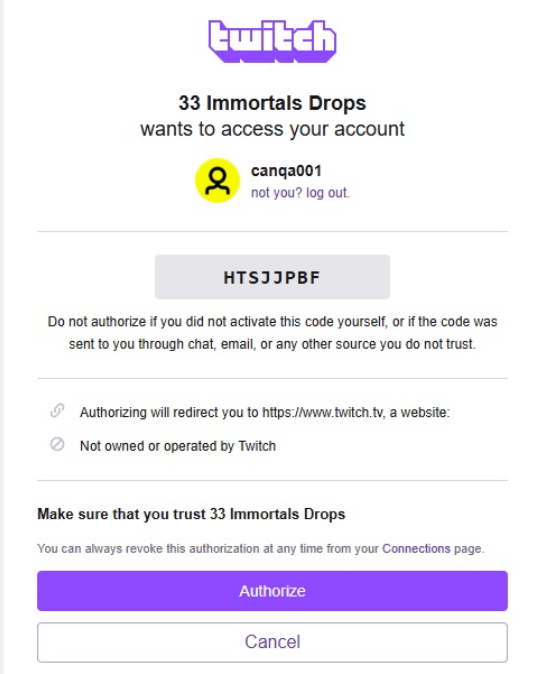
- Click Authorize.
- Watch any 33 Immortals streams with Drops Enabled.
- Earn rewards for every 30 minutes watched. You should get notified for each reward in your Twitch Notifications.
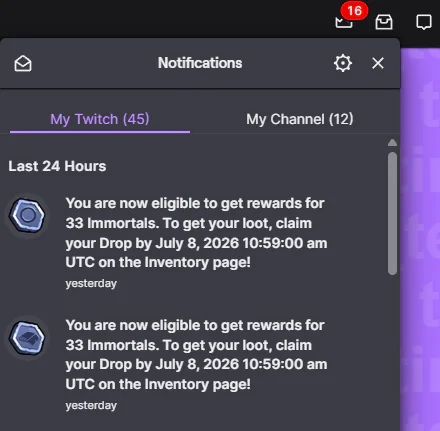
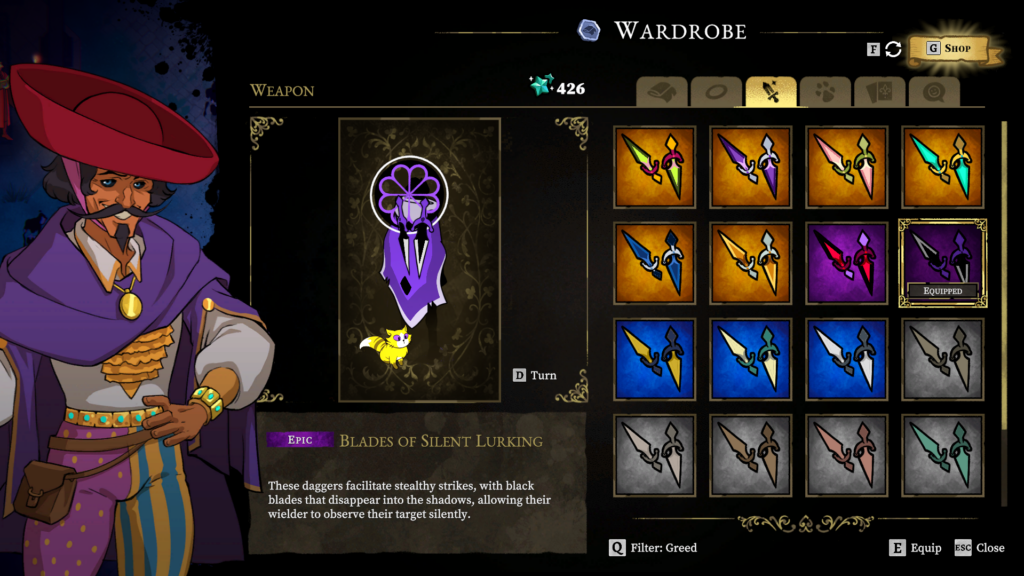
That’s all! Hope you enjoy the exclusive cosmetics!
If you have any issues doing this, please try again later. Rewards will be automatically added to your account after you Claim them on Twitch, but rebooting the game can help!